Does it work with Mac or Windows?
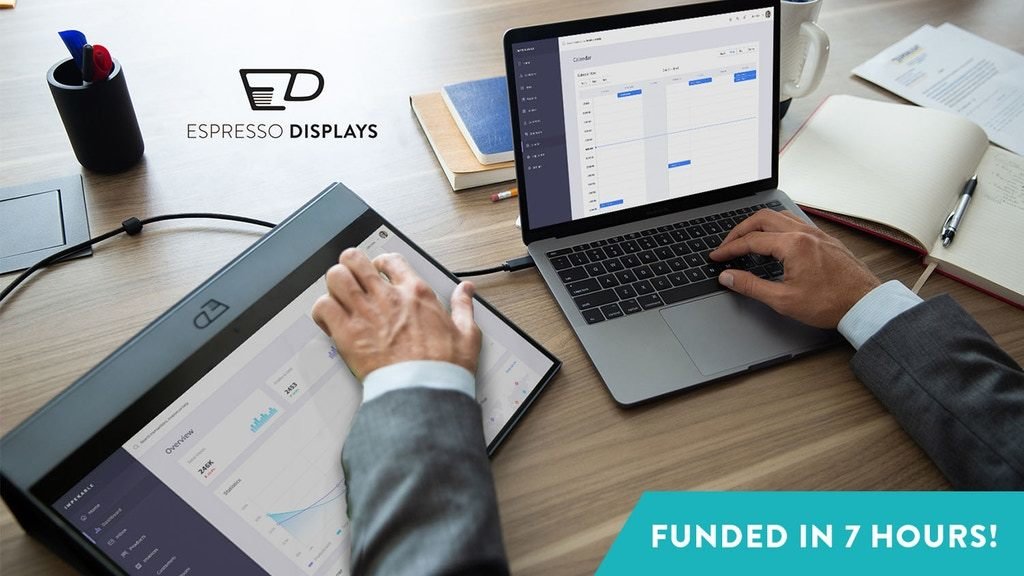
Yes, Espresso Displays are plug-and-play with Mac and Windows devices. If you have a Thunderbolt 3 port or a USB-C port that supports Display Port Alternate mode, you can connect with just 1 cable.
For all other situations, our display also converts the Display Port signal to HDMI, and you have an option to use the mini-HDMI port.
Last updated: October 30, 2019 00:17
How about Linux?
It depends on the distribution and which ports you have available, but if your device supports either HDMI or Display Port Alternate mode through USB-C, then you shouldn’t have an issue.
Last updated: October 30, 2019 00:46
What sizes do the displays come in?
There’s both a 13 inch and 15 inch option, to match the main sizes of laptops that are sold today.
Last updated: October 30, 2019 00:46
What are the specs of the display?
Resolution –> 1080p Contrast ratio –> 800:1 Brightness –> 300 nits Colour –> 99% sRGB, 16.7M colours Refresh rate –> 60Hz
Last updated: October 30, 2019 00:46
What ports on the device?
1 x USB-C (carries a display port signal) 1 x mini-HDMI
Last updated: October 30, 2019 00:46
What's in the box?
Other than the espresso?
1x USB-C to USB C 1x USB-C to USB-A 1x HDMI to mini-HDMI And a microfiber cloth for cleaning.
Last updated: October 30, 2019 00:46
Explain the add-ons
Sure.
The Flip Case acts as a case and a fold-up stand for the display. It connects magnetically and is made from a microfibre material.
The Mount Go is made from the same aluminium as the display, and it folds up into a square with a thickness of 11mm. It lets you position the display vertically and horizontally. It also connects magnetically.
There is also the Mount Pro - a VESA adapter that screws onto any VESA 75mm x 75mm mount. This lets you snap the display on and off magnetically (see our video at the top). This is a stretch goal that needs to be unlocked.
Last updated: October 30, 2019 00:46
Does it work with my phone and iPad?
It works with selected phones and limited functionality with iPads.
It’s best to watch our Youtube videos to get a better understanding.
See our channel at –> https://www.youtube.com/channel/UCQ3iFo_zzkiNFgYUgehdcTg?view_as=subscriber
Last updated: October 30, 2019 00:46
What are the stretch goals?
USD $100k - Stylus for free (UNLOCKED!)
More info about the stylus will be unveiled soon, please stay tuned.
USD $250k - Mount Pro Unlocked ($43)
This is a VESA adapter to use our display with any VESA stand. (75mm x 75mm) Check out our main video to see it in action!!!
USD $300k -Matte Film Protector for free Some people prefer a more matte display than having glass on the front. This is to cater for everyone.
Last updated: October 30, 2019 00:46
Can I use two Espresso Displays at the same time in a tri-setup?
It depends on what ports you have available. For example, a MacBook Pro 15 inch has 4 Thunderbolt 3 ports, meaning you can have more than one display hooked up at the same time.
Last updated: October 30, 2019 00:46
I have a suggestion for another stretch goal or feature!
We love hearing back from you and will take all feedback into consideration. Whether it’s something we have time to change now prior to commencing production or perhaps a suggestion for the next product, we’d love to hear about it and open a conversation with you.
Shoot an email or iMessage to [email protected], or send a DM to our Kickstarter.
Last updated: October 30, 2019 00:49
Any plans on a 4k monitor?
We decided to keep it to 1080p for this run, we wanted to nail this product for you guys and didn’t want to take too much of a challenge on board which would sacrifice the quality of the device you end up with.
But your feedback will drive the next product and so we would love to keep in touch.
email or iMessage –> [email protected]
Last updated: October 30, 2019 00:51
Now that the MountPro stretch goal is unlocked, how do I receive that instead of the MountGo?
Easy — since the price is the same, you will be able to select the mount of your choice via survey after the campaign ends.
Last updated: November 01, 2019 08:34
What is BackerKit?
BackerKit is a service that crowdfunded project creators use to keep track of hundreds to tens of thousands of backers—from shipping details, pledge levels, preferences and quantities, whether they have paid or had their card declined, special notes, and everything in between!
The BackerKit software and support team is independent from the campaign’s project team—BackerKit does not handle the actual reward shipping. For more information about the preparation or delivery status of your rewards, please check the project's updates page.
How does BackerKit work?
After the campaign ends, the project creator will send you an email with a unique link to your survey. You can check out a walkthrough of the process here.
I never received my invitation. How do I complete the survey?
The most common reasons for not receiving a survey email is that you may be checking an email inbox different from the email address you used to sign up with Kickstarter, Indiegogo or Tilt Pro account, or it may be caught in your spam filter.
Confirm that the email address you are searching matches the email address tied to your Kickstarter, Indiegogo, or Tilt Pro account. If that doesn’t work, then try checking your spam, junk or promotions folders. You can also search for "backerkit” in your inbox.
To resend the survey to yourself, visit the project page and input the email address associated with your Kickstarter, Indiegogo or Tilt Pro account.
How do I update my shipping address?
BackerKit allows you to update your shipping address until the shipping addresses are locked by the project creator. To update your address, go back to your BackerKit survey by inputting your email here.
When will my order be shipped, charged or locked?
That is handled directly by the project creator. BackerKit functions independently of the project itself, so we do not have control of their physical shipping timeline. If you want to check on the project’s status, we recommend reading over the project's updates page.
I completed the survey, but haven't received my rewards yet. When will they arrive?
As BackerKit does not actually handle any rewards or shipping, the best way to stay updated on the shipping timeline would be to check out the project's updates page.